


Description
Product Overview
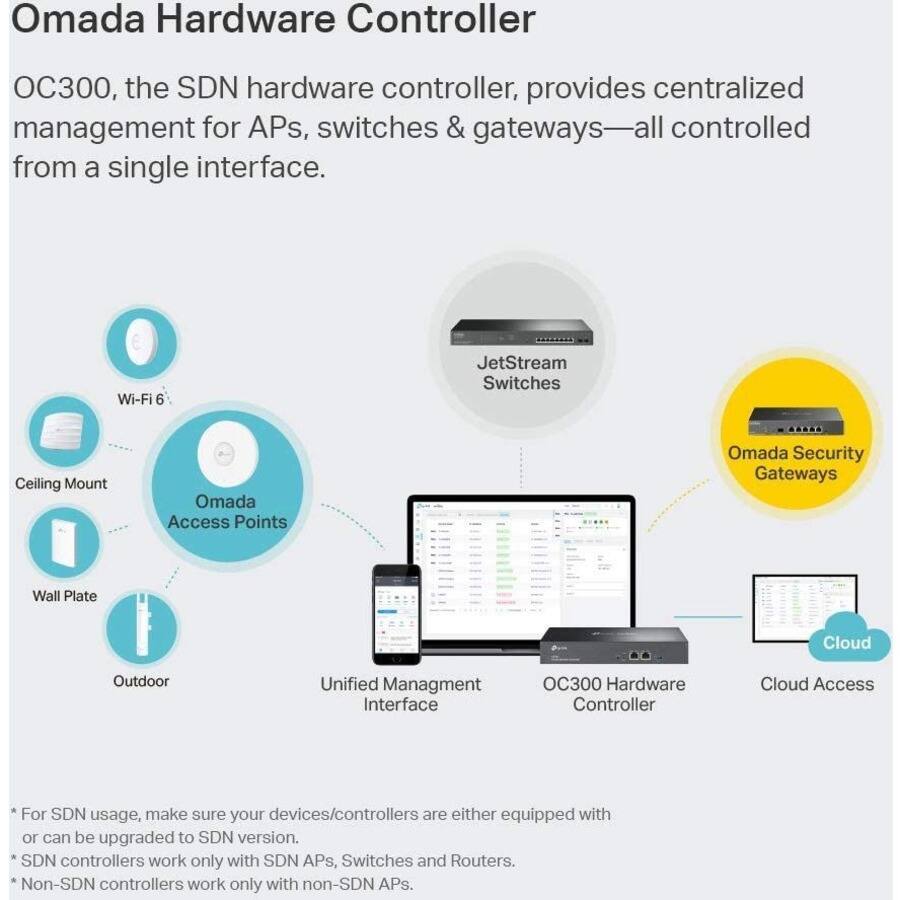
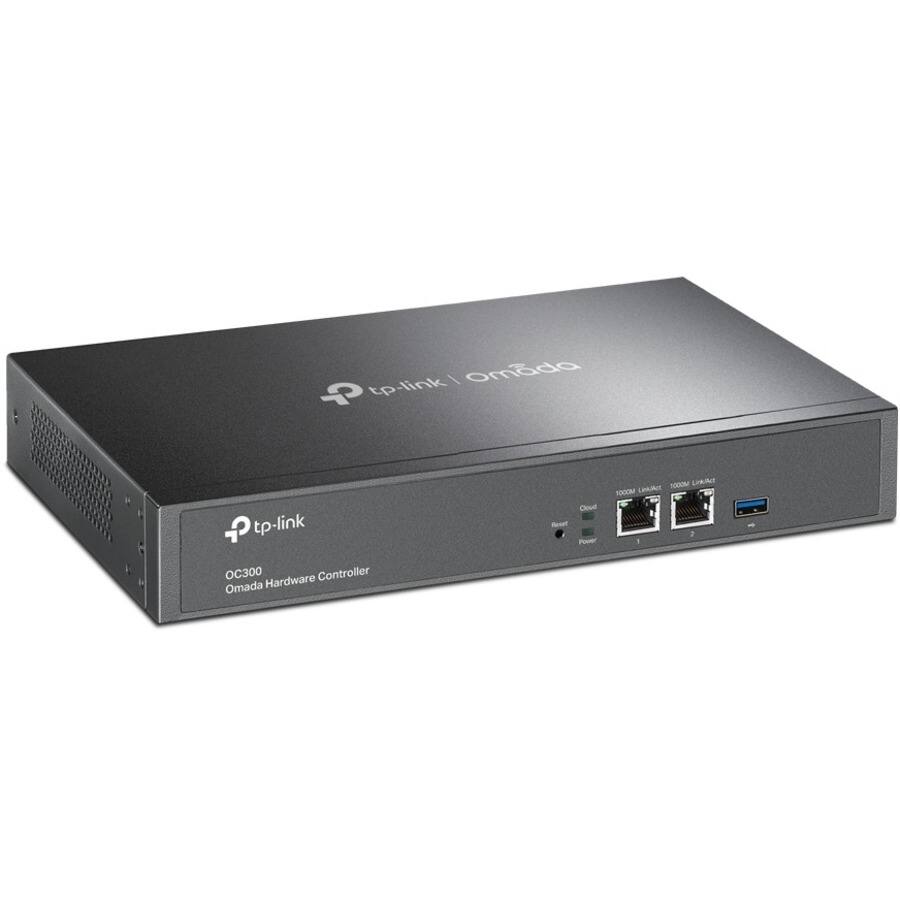
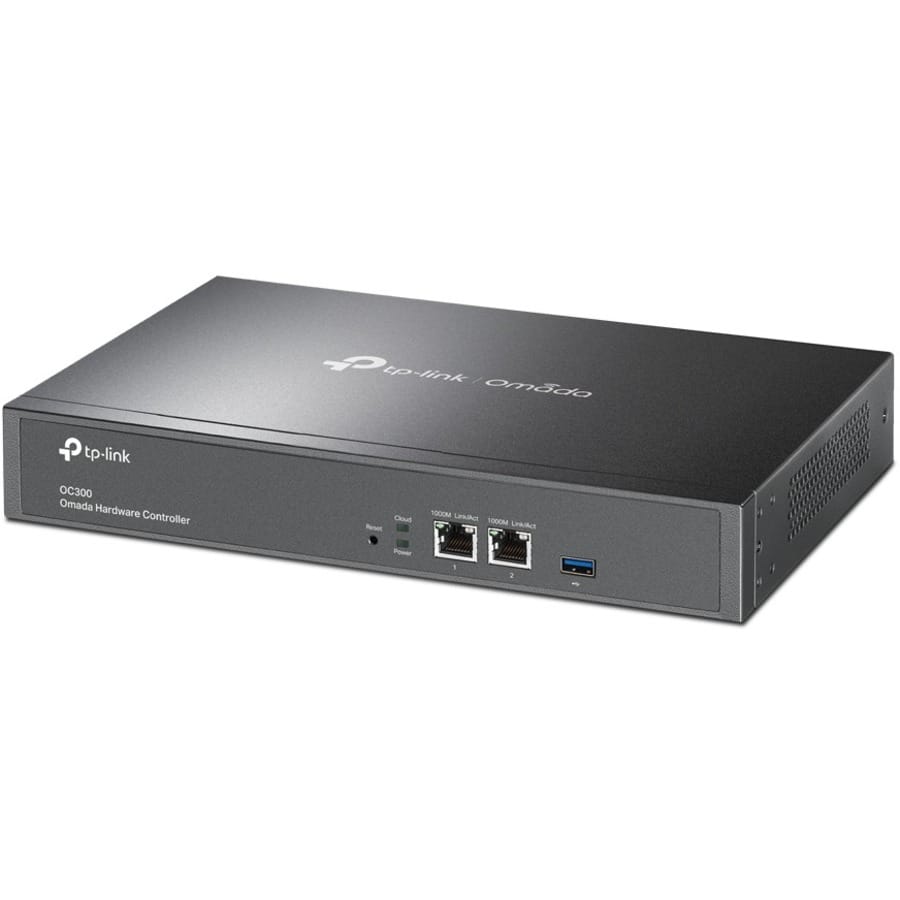
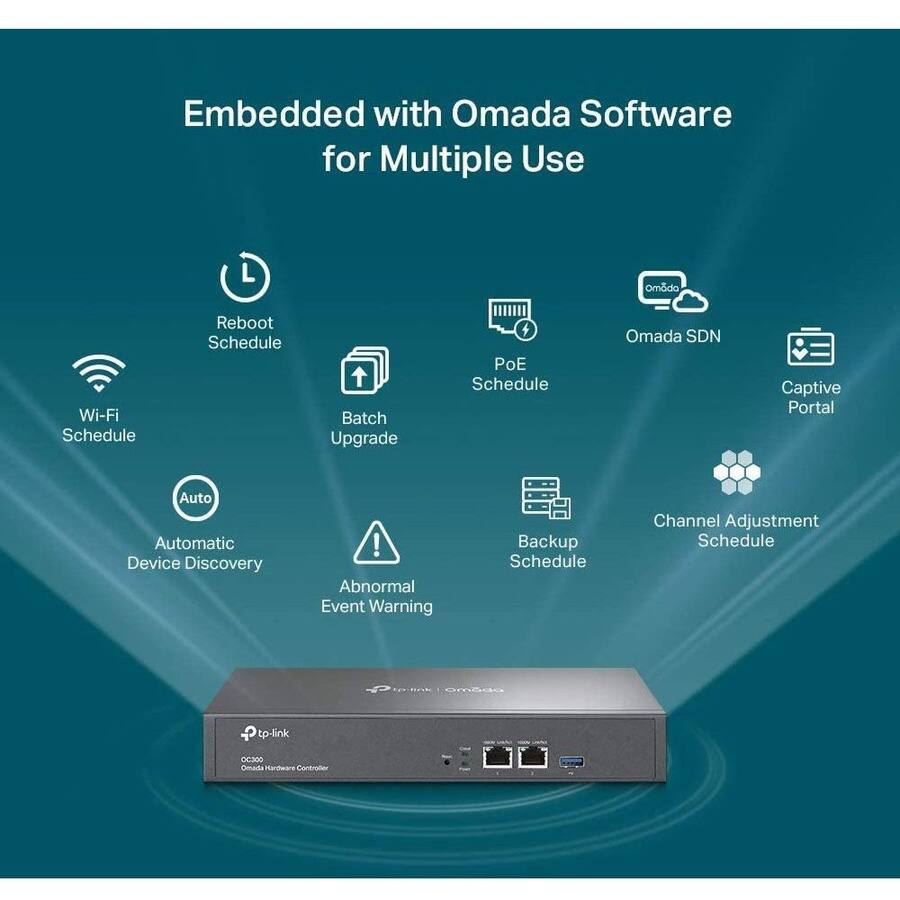
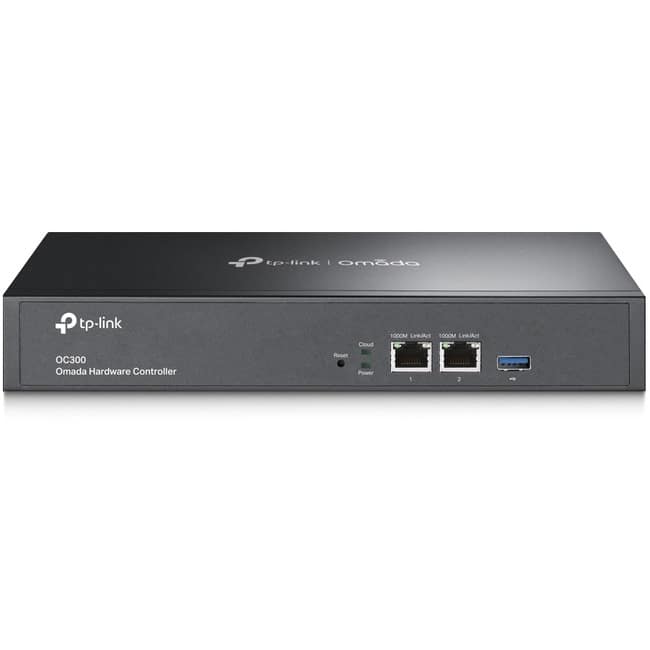
The TP Link OC300 Omada Hardware Controller is a dedicated device for the Omada Software Defined Networking (SDN) platform, enabling 100% centralized management of access points, switches, and gateways from a single interface. It features two Gigabit ports and one USB 3.0 port, supporting up to 500 managed devices and 15,000 clients without requiring a PC or server. Built with hybrid cloud technology, it allows remote management via cloud access and the Omada mobile app, ensuring security and stability for network operations. The controller includes infrastructure management equipment, a quick installation guide, an Ethernet cable, a power cord, and a rackmount kit for easy setup.
Usage
The OC300 is designed for small to medium-sized businesses, IT administrators, and network professionals who need efficient control over growing networks. It is ideal for office environments, educational institutions, and retail spaces where centralized management of multiple devices is essential. Use it for real-time monitoring, troubleshooting, and updates to maintain consistent network performance, and leverage its scalability to expand networks without extensive reconfiguration.
Why Choose Us
TP Link’s OC300 stands out with its hybrid cloud approach, combining local security with remote accessibility, and requires no license fees for cloud services. It offers a scalable, user-friendly solution backed by TP Link’s reputation for reliable networking hardware, ensuring long-term value and reduced maintenance costs.
Key Features
- Centralized management of access points, switches, and gateways via the Omada SDN platform
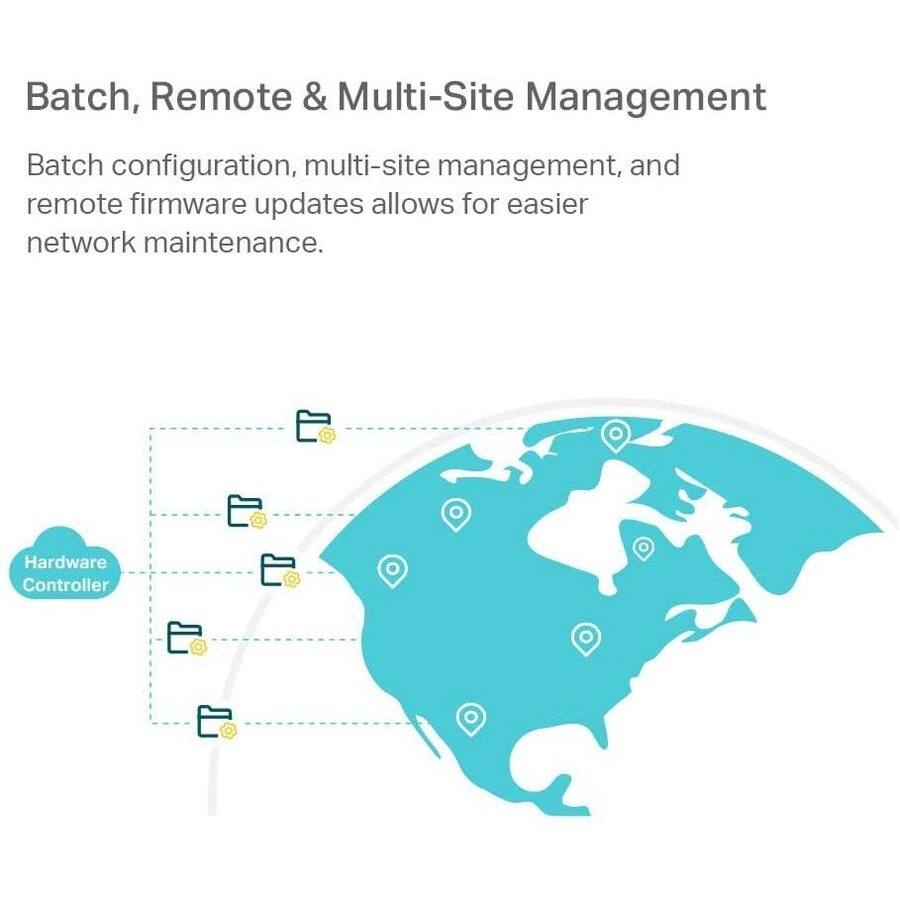
- Hybrid cloud technology for remote control and real-time monitoring with no license fees
- Scalable support for up to 500 devices and 15,000 clients, ideal for network growth
- Easy installation and intelligent tools for streamlined troubleshooting and maintenance
- Includes essential accessories like Ethernet cable, power cord, and rackmount kit for quick setup
FAQ
What devices can the OC300 manage?
The OC300 can manage access points, switches, and gateways within the Omada SDN ecosystem, supporting up to 500 devices for comprehensive network control.
Does the OC300 require a subscription for cloud access?
No, the OC300 offers cloud services with no license fees, allowing free remote management and updates through the Omada platform.
How do I set up the OC300 for my network?
Setup is straightforward using the included quick installation guide, Ethernet cable, and power cord; connect the controller to your network and access the Omada interface for configuration.
Can I monitor the network remotely with this controller?
Yes, the hybrid cloud feature and Omada mobile app enable remote monitoring and management from anywhere, providing real-time insights into network performance.
Is the OC300 suitable for expanding networks?
Absolutely, its scalable design supports growing networks up to 500 devices without complex reconfiguration, making it ideal for business expansion.
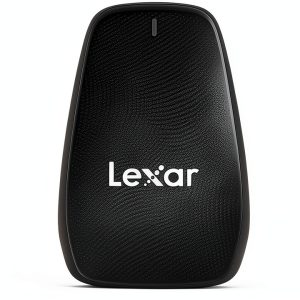 Lexar CFexpress Reader Fast 8K Video Transfer USB 32
Reviews
There are no reviews yet.