




Description
Product Overview
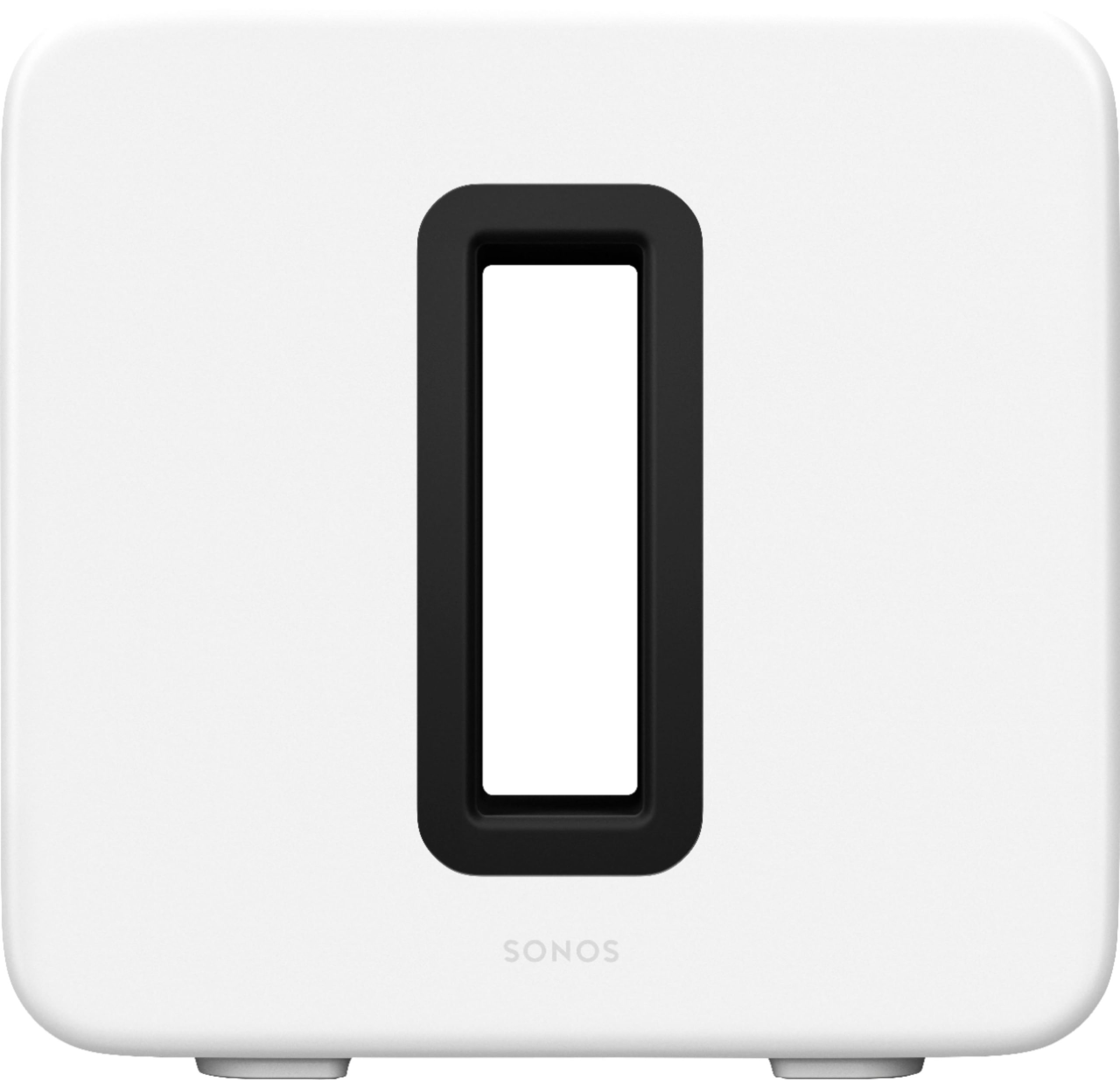
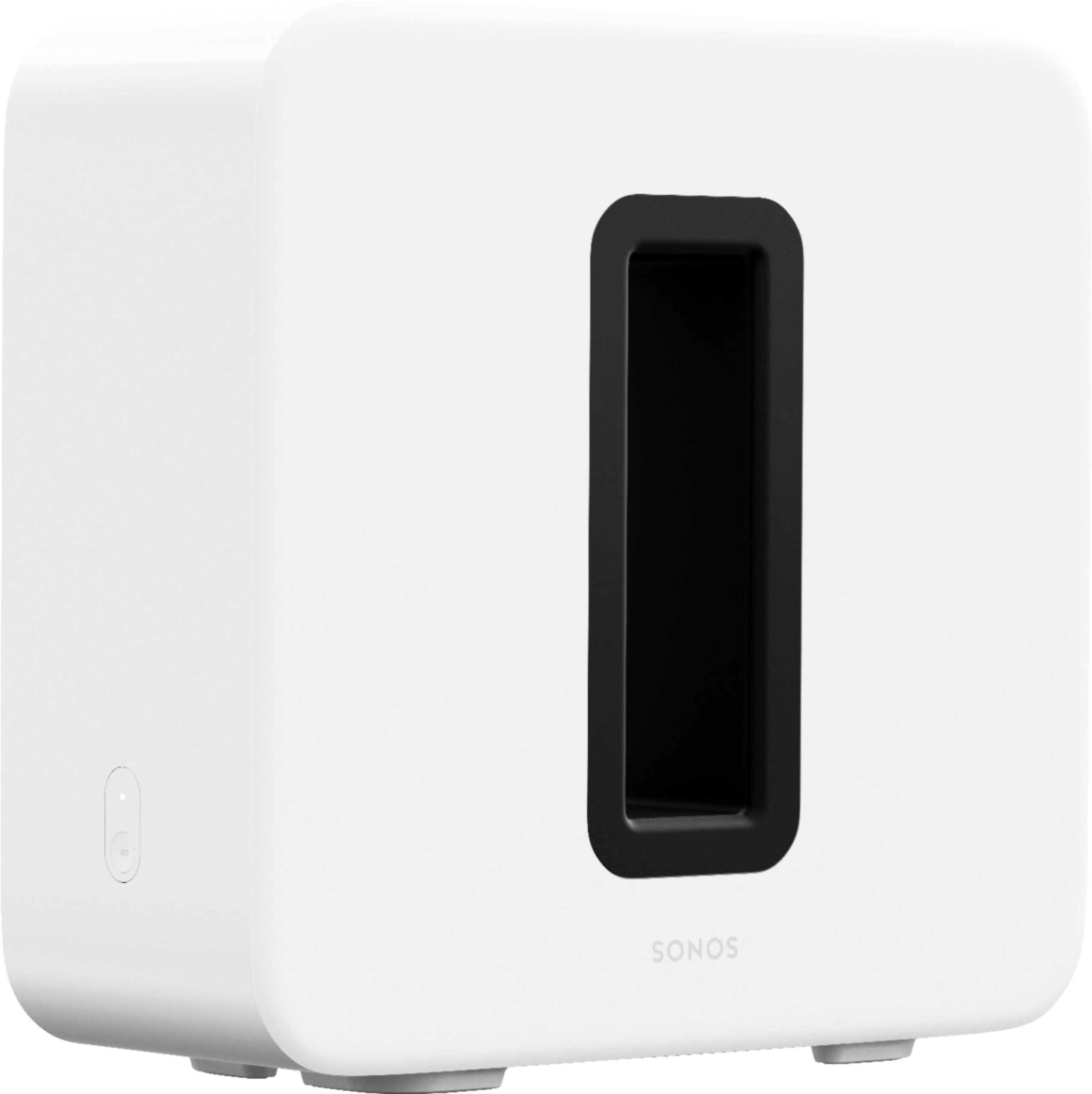
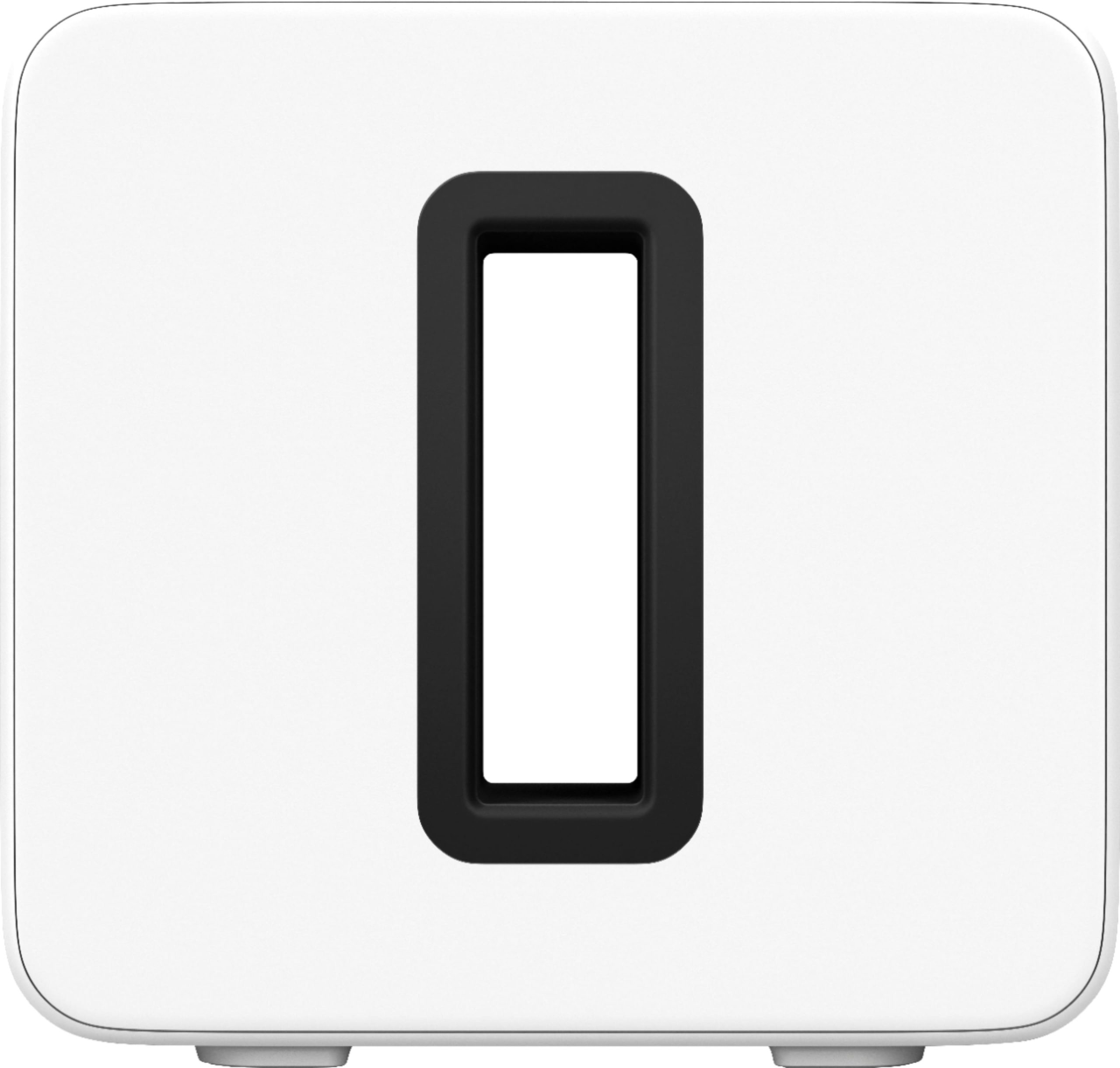
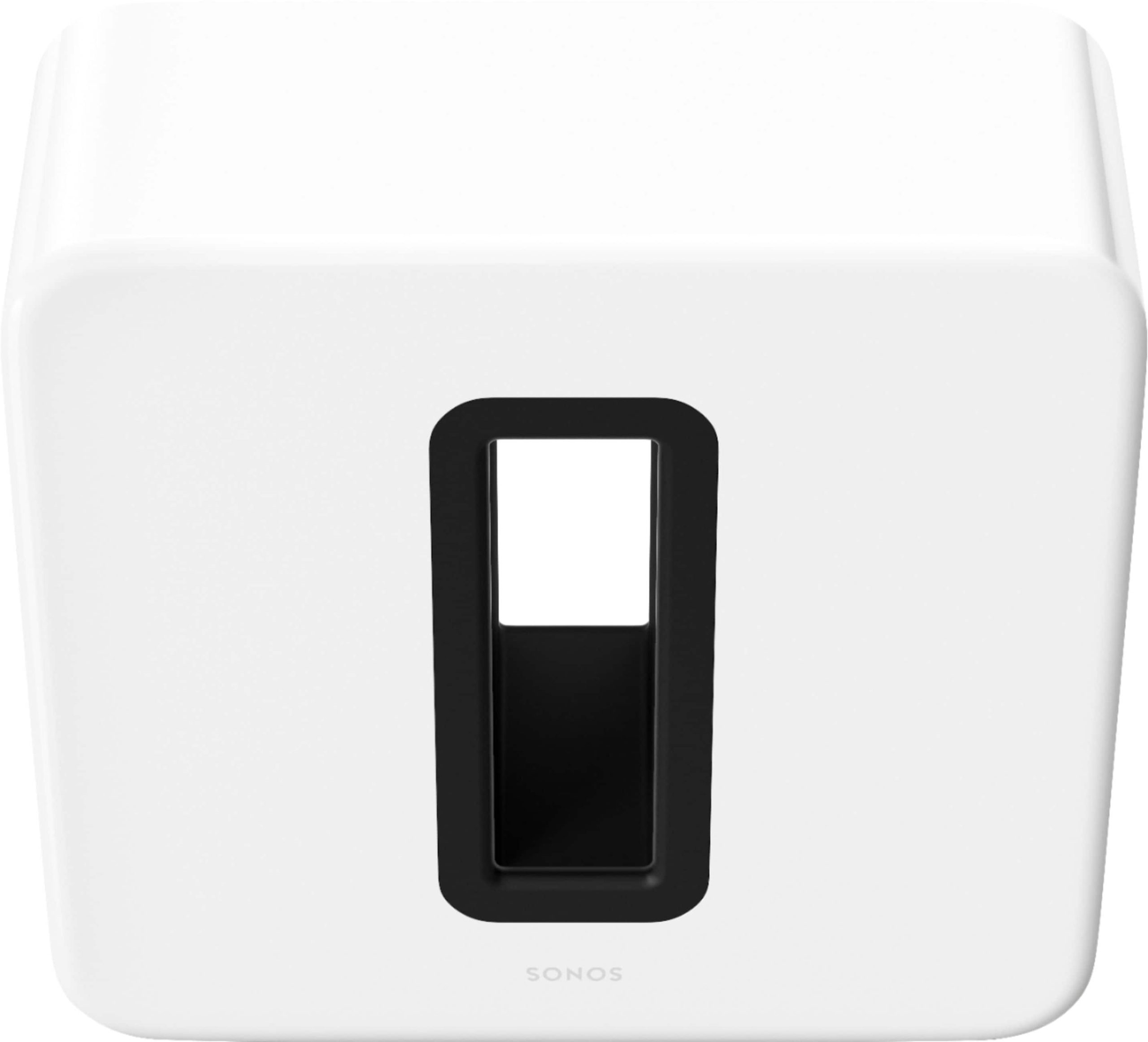
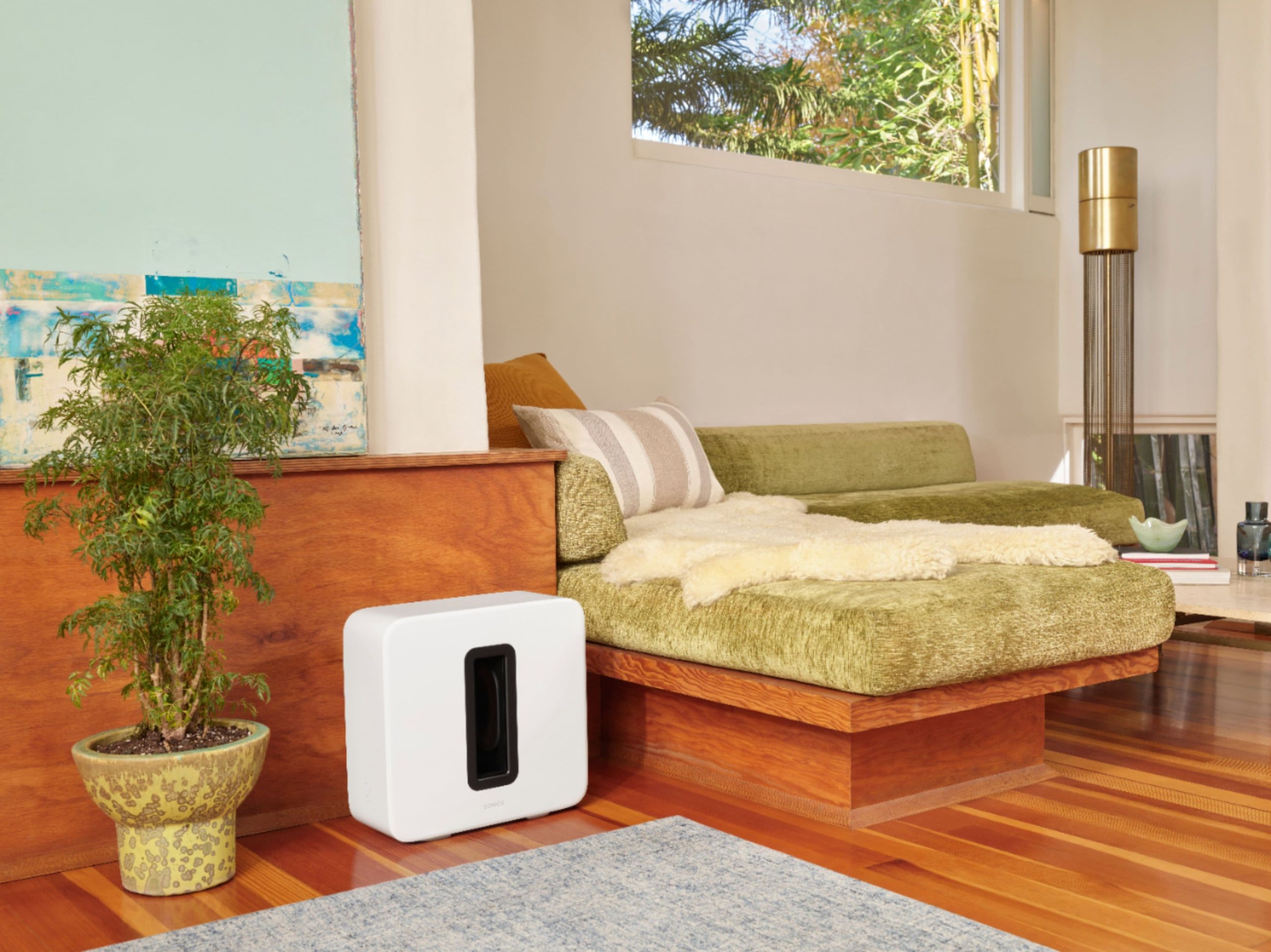
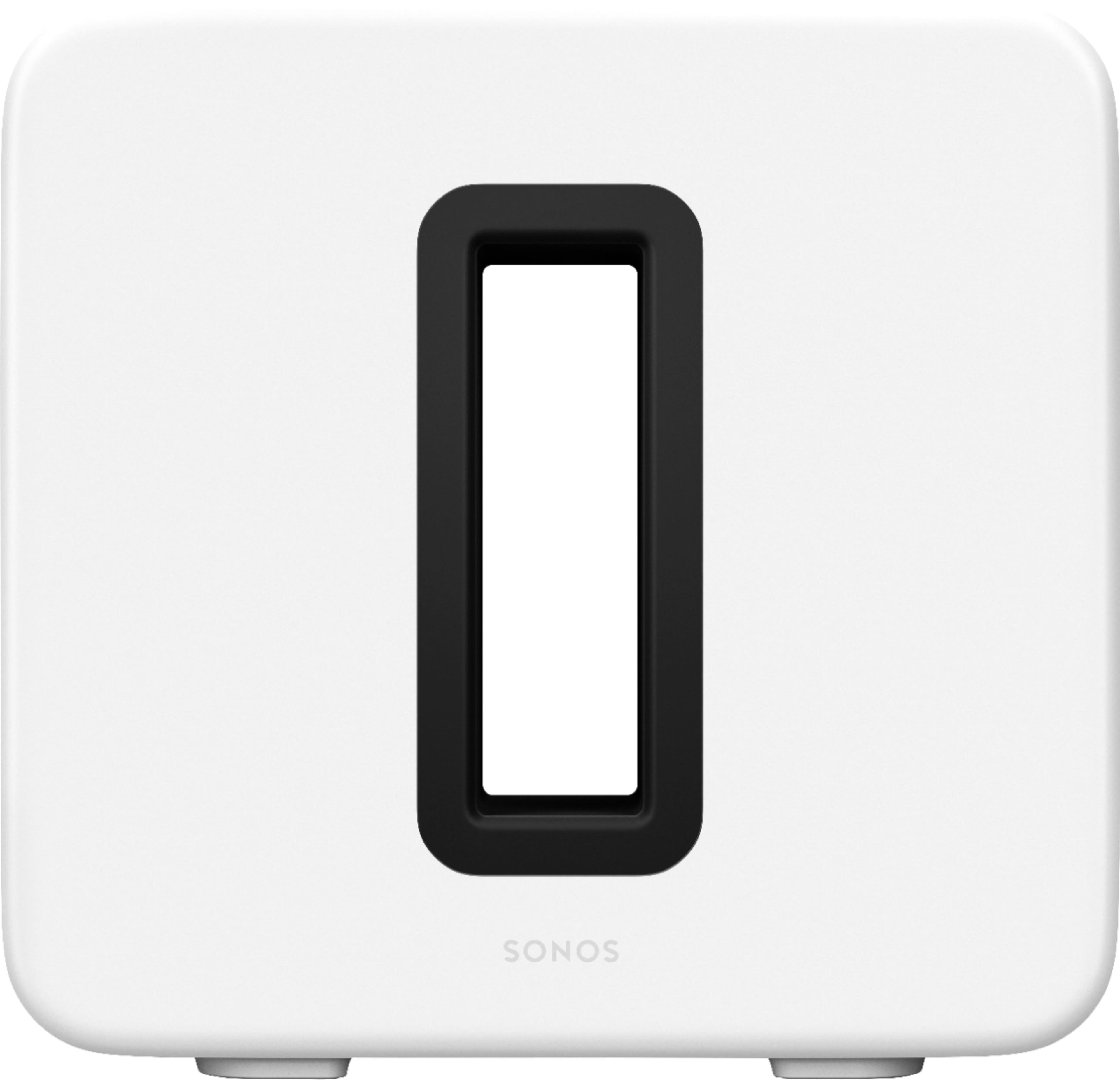
The Sonos Sub Gen 3 wireless subwoofer is engineered to deliver exceptional low-frequency performance, enhancing any audio setup with rich, detailed bass. Crafted from high-quality materials, it features a durable resin cabinet that resists vibration and a high-gloss finish for a sleek appearance. With dimensions designed for versatility, it can stand upright or lay on its side to fit seamlessly into your living space. Key specifications include Wi-Fi and Ethernet connectivity, compatibility with the Sonos S2 app, and force-canceling drivers that ensure powerful sound without distortion. This subwoofer is built to integrate with other Sonos speakers, creating a unified home audio system that adapts to your needs.
Usage
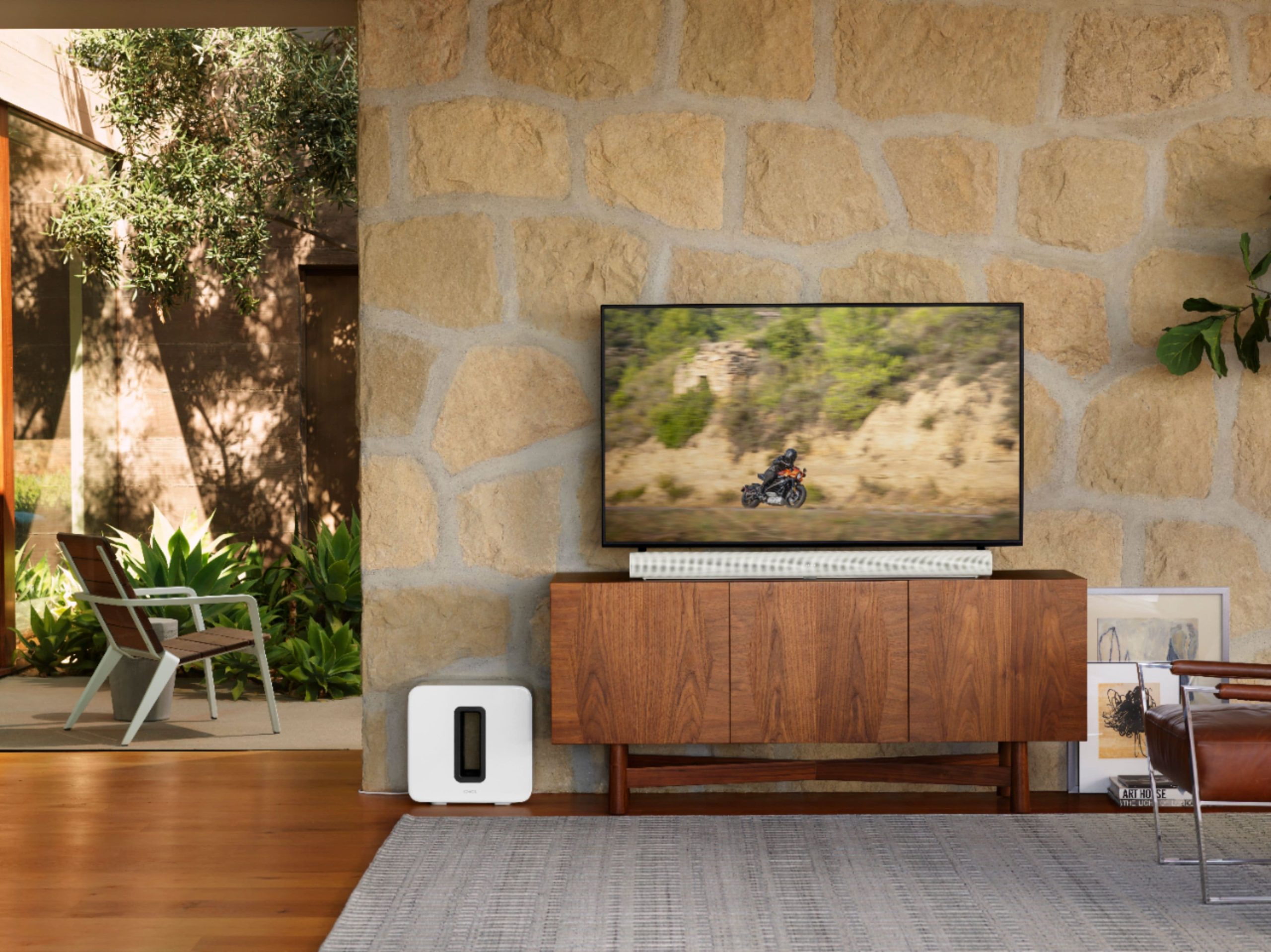
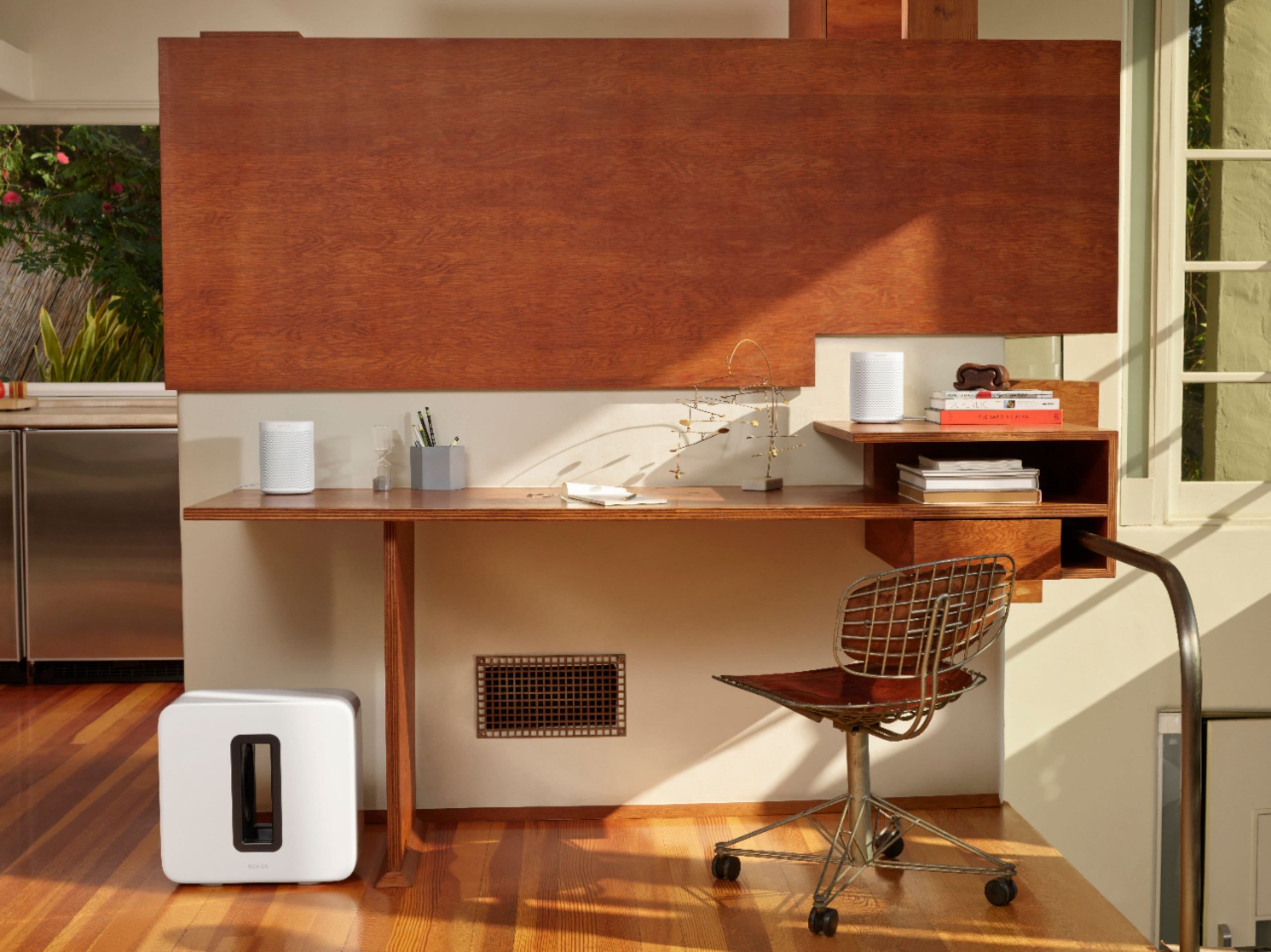
The Sonos Sub Gen 3 is ideal for home environments where high-quality audio is a priority, such as living rooms, home theaters, or entertainment spaces. It suits music lovers, movie enthusiasts, and anyone seeking an immersive listening experience for daily entertainment or special occasions. Whether used for streaming music, watching films, or hosting gatherings, this subwoofer enhances sound clarity and depth, making it a versatile addition to any audio setup. Its wireless design allows for easy placement without cable clutter, and the Trueplay feature optimizes performance based on room acoustics, ensuring consistent sound quality wherever it’s used.
Why Choose Us
Sonos stands out for its commitment to innovation and quality, with the Sub Gen 3 offering superior bass performance through advanced engineering like force-canceling drivers that eliminate vibration and distortion. Unlike many subwoofers, it provides seamless integration with the Sonos ecosystem, allowing for easy expansion and customization. The product is backed by rigorous testing and a reputation for durability, ensuring long-term reliability. Additionally, the Trueplay tuning feature gives users professional-level sound optimization without complex adjustments, making it accessible for all skill levels. This combination of cutting-edge technology, user-friendly design, and expandability makes the Sonos Sub a top choice for enhancing home audio.
Key Features
- Experience deep, distortion-free bass with force-canceling drivers that eliminate vibration and rattle.
- Enjoy flexible placement options with a slim, sculptural design that can stand upright or lay on its side.
- Stream audio effortlessly via Wi-Fi or Ethernet, and wirelessly connect to other Sonos speakers for a multi-room system.
- Optimize sound for any room with Trueplay tuning, which adjusts playback based on your environment.
- Set up quickly and easily with the Sonos app, going from unboxing to listening in just minutes.
FAQ
How do I set up the Sonos Sub Gen 3?
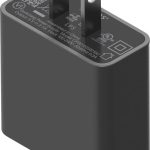
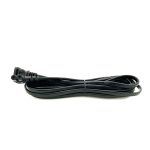
Setting up the Sonos Sub Gen 3 is straightforward. Plug in the power cord, open the Sonos app on your device, and follow the on-screen instructions to connect it to your Wi-Fi network and pair it with other Sonos speakers if desired.
Can I use the Sonos Sub with non-Sonos speakers?
The Sonos Sub is designed to work seamlessly with other Sonos speakers within the Sonos ecosystem. It is not compatible with non-Sonos speakers, as it relies on the Sonos app and wireless connectivity for integration.
What is Trueplay tuning and how does it work?
Trueplay tuning is a feature in the Sonos app that uses your device’s microphone to analyze the room’s acoustics and automatically adjust the subwoofer’s sound output for optimal performance, ensuring balanced bass and clarity.
Does the Sonos Sub require a specific app version?
Yes, the Sonos Sub Gen 3 requires the new generation Sonos S2 app for setup and operation. This app provides enhanced features and compatibility with the latest Sonos products and updates.
How many Sonos speakers can I connect to the Sub?
You can wirelessly connect multiple Sonos speakers to the Sub to create a expanded sound system, allowing for synchronized audio playback across different rooms in your home, limited only by your network capacity.

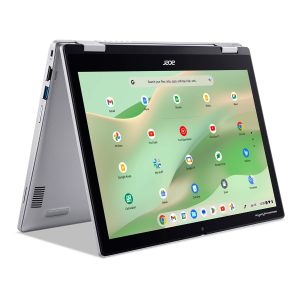
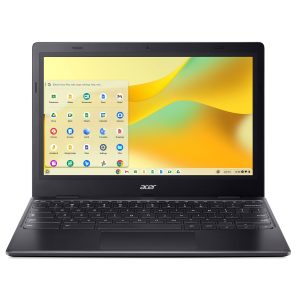 Acer Chromebook 311 Laptop Intel Celeron N4500 4GB 64GB
Reviews
There are no reviews yet.